Turn one long video into a week of short clips
You already have great videos. ClipMaster watches them for you, picks the best moments, adds the captions, and hands you ready-to-post clips for TikTok, Reels, and Shorts. No editing skills needed — you stay in control.
Works with any YouTube link. Sign up to download finished clips.
Paste any YouTube link and see your best clips — nothing to install.
Paste a YouTube link to see it work
ClipMaster finds the best moments, rates how strong each one is, and tells you in plain English why it picked them. A paid plan is required to analyze and export.
View plans →Buy a ClipMaster guide, then turn the workflow into clips.
Not ready for a subscription yet? Start with a one-time guide on trend-jacking, video GEO testing, or agent-run clip production. Each guide points back to ClipMaster when you are ready to execute.
TikTok changed the rules. That's good news for you.
The 2026 algorithm demotes lazy reposts and pays more for original, 60-second-plus clips — exactly what ClipMaster makes. The update works in your favor while repost-spam accounts get throttled.
Two cuts, one source
Generate a punchy sub-60s clip for reach and a 60-second-plus version that qualifies for Creator Rewards — from the same video, in one pass. Under-60s clips earn $0 from Rewards, so the long cut is where the payout lives.
Original, not reposted
Every clip is reframed, captioned, and re-hooked — transformative work that strengthens your Creator Health Rating instead of triggering the duplicate demotion that hits repost-spam accounts.
AI you can disclose
Use AI voiceover with confidence: ClipMaster reminds you to apply each platform's AI label, so it stays monetizable and never quietly drags down your account's trust rating.
How it works
From raw video to platform-ready clips in three steps.
Paste a URL (or upload)
Drop a YouTube link or upload an MP4 directly. ClipMaster fetches metadata and kicks off transcription.
AI finds suggested moments
The scoring model reads the transcript to surface the strongest self-contained moments and explain why each one works.
Export to any platform
Pick captions, aspect ratio, and brand kit. ClipMaster renders the final clip and delivers a download-ready file.
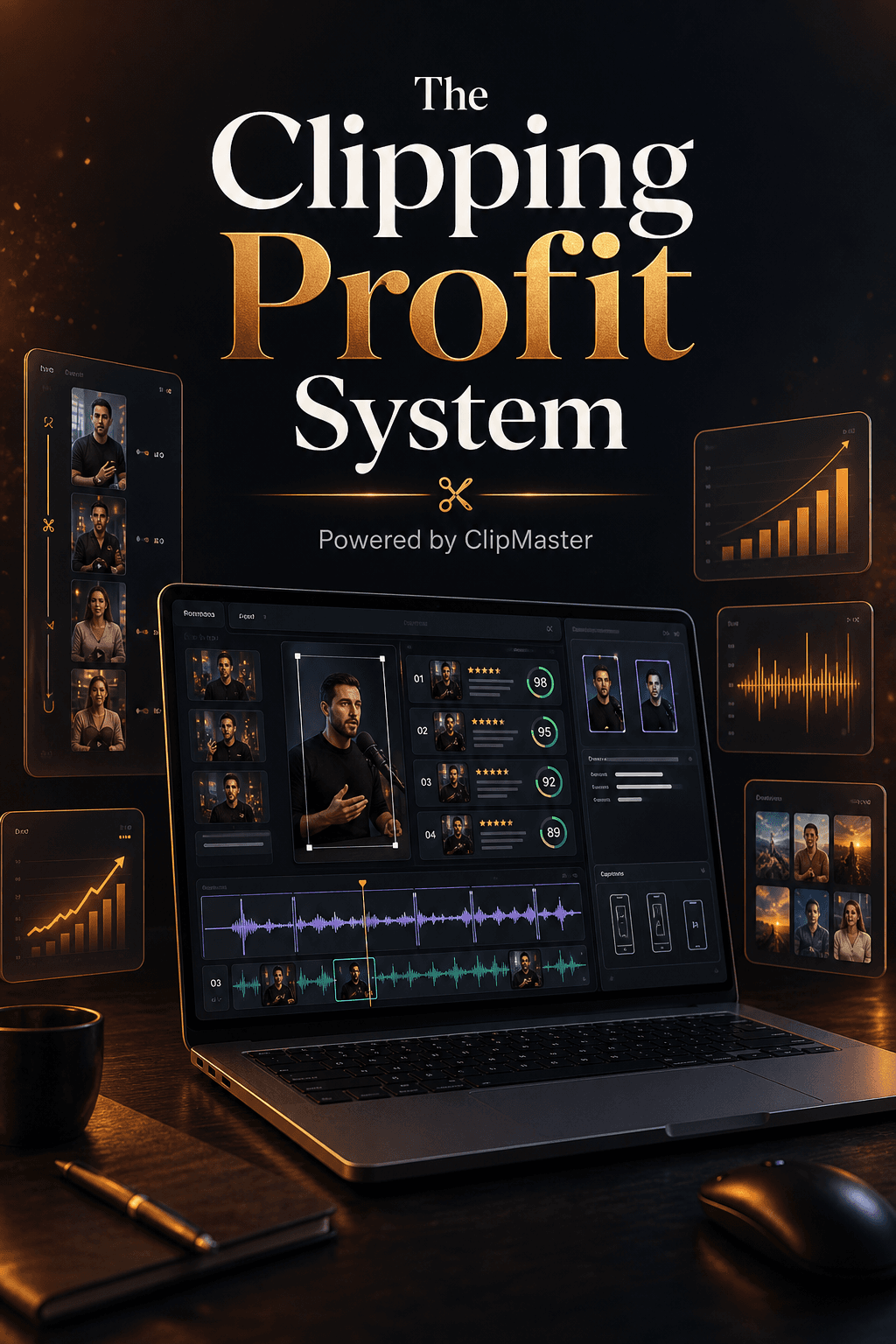
Everything you need to clip faster
From raw transcription to branded, captioned exports — ClipMaster handles the full pipeline.
Auto-clipping
AI identifies high-energy, high-retention moments from transcripts and audio signals — no manual scrubbing.
Clip-quality scoring
Each clip gets a 0-100 self-containment score with one-sentence reasoning grounded in the transcript.
Caption presets
Karaoke, Word Pop, Line, and Minimal styles. Burned in at render time so captions are always frame-accurate.
Per-platform exports
9:16 for TikTok/Reels/Shorts, 1:1 for Feed, 16:9 for YouTube — cropped and padded automatically.
Batch pipeline
Feed a full playlist URL and ClipMaster processes every episode overnight, surfacing top clips across all videos.
Brand kits
Set colors, fonts, and a logo once. Every export automatically applies your brand without touching the editor.
Simple, transparent credit costs
Credits are consumed only when you actually process video — no subscription lock-in for occasional use.
Transcription
1 cr / min
Clip generation
2 cr / video
Export render
2 cr / format
AI Voiceover
3 cr / 1k chars
Background removal
4 cr / job
Download / Compress
1 cr / job
Built for human teams and AI operators.
ClipMaster exposes machine-readable pricing and checkout signals for agents, then uses account-bound API keys for production clipping. That keeps the workflow automatable without making credits, exports, or billing anonymous.
Purchase with account handoff
Agents can read ClipMaster's catalog and start checkout. Plans and credit packs stay account-bound so credits land in the right workspace.
Create an API key
After signup, generate a cm_live key from API Keys and hand it to your automation tool, browser agent, or internal workflow.
Create clips through the API
Use the clip endpoint to import a source, transcribe it, generate scored moments, and export approved clips with credits tracked automatically.
Clips that match the source video.
Talking head videos need speaker-first framing. UGC videos need proof and product shots. Business presentations need readable screens. ClipMaster helps clippers start with cuts, captions, and layouts that fit the video in front of them.
Included with every paid plan
Every ClipMaster account includes these tools — higher plans unlock higher volumes and batch processing.
Frequently asked questions
Your best clips are already in your videos.
Create an account to start. Private invite codes can unlock trial credits; production exports require a paid plan.